












Automated Workflows for Every Department


From the front office to the warehouse floor, onPhase turns the requests teams handle every day into simple, trackable workflows.
Expense Management
No more receipts taped to paper.
Employees submit expenses with receipt uploads from any device, and approvals route by amount and department, with anything incomplete sent back to the submitter with comments.
Travel Requests
Approve trips before takeoff.
Travel forms route to the right approvers automatically, and anything over the limit escalates for a second approval, so budgets stay in check from request to return.
Employee Onboarding
Forms that work before your new hire does.
Collect W-4s, I-9s, banking details, policy acknowledgments, and signatures in one digital packet. PDF mapping fills in the government forms, and every department that touches a new hire gets its step automatically, so the first day feels organized instead of improvised.
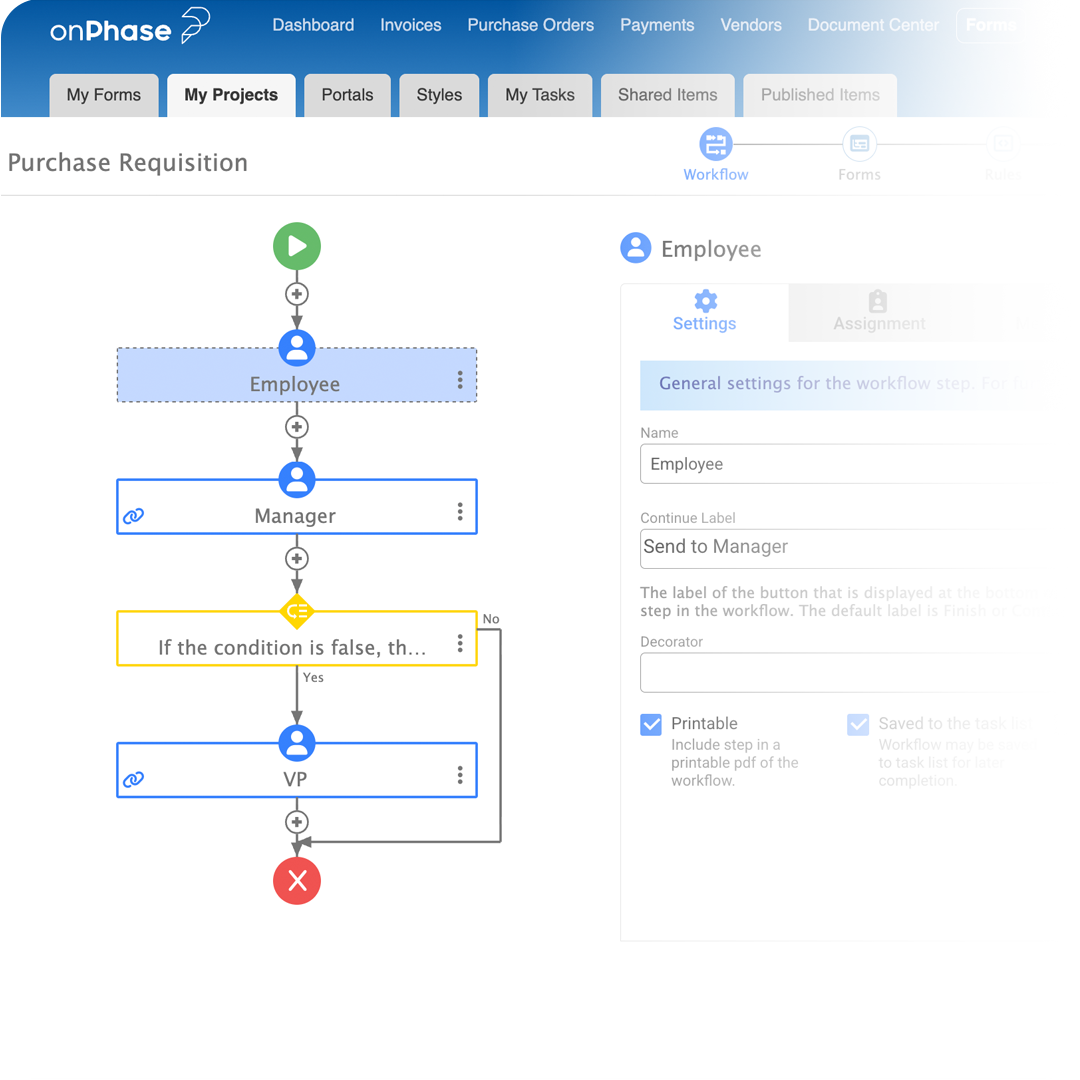
Purchase Requests
Request, approve, order, without the email ping-pong.
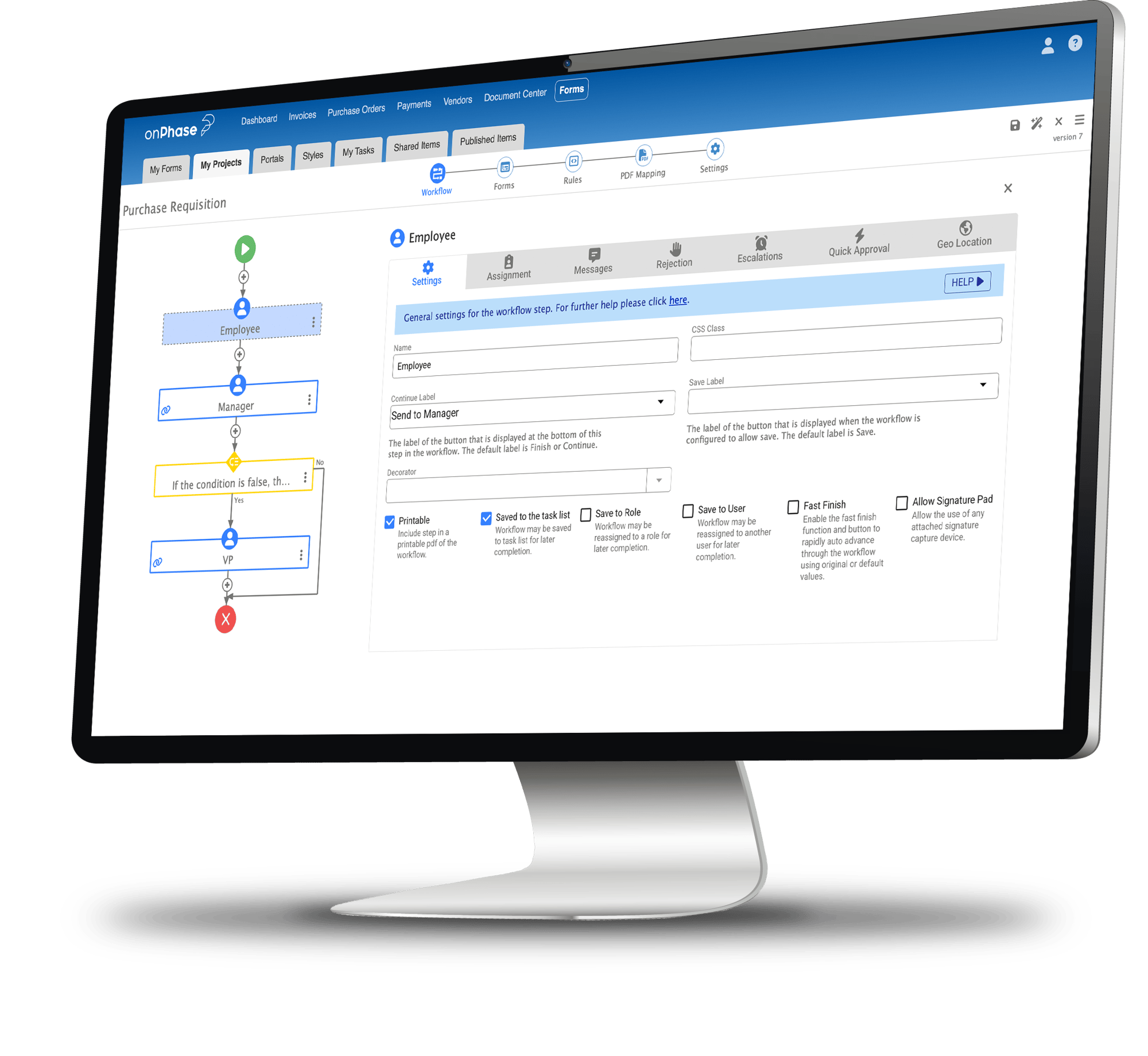
Whether it's office chairs or engine parts, requisitions route by dollar threshold and land with the right approver the first time, so budget owners see what's coming before it's ordered.
Vendor Onboarding
Get the W-9 before the first invoice.
Vendors submit their details and certificates of insurance through a secure form, PDF mapping completes the W-9, and finance reviews the record before it goes into the vendor file.
Check Requests
Pay what needs paying, even without an invoice.
When there's no invoice in hand, a check request form captures the vendor and line items with backup attached, then routes for approval before payment.
Patient Admissions
One intake form, every department in the loop.
Admissions completes a single digital form, and each department receives only the details it needs, from room and equipment needs for housekeeping to insurance information for billing. Every step is logged, and onPhase is HIPAA compliant.




"onPhase has been a game changer and a truly strong partner that has transformed how we work in our association."
- GINNY HARALSON, Chief Strategy and HR Officer, MetroTex Association of REALTORS®





What is business process management software?

Business process management (BPM) software digitizes the forms, approvals, and handoffs behind everyday work and routes them through automated workflows. onPhase business process management combines a no-code form builder, configurable approval workflows, and legally binding e-signatures in one place.
Do I need coding skills or IT support to build workflows?
No. The drag-and-drop builder lets business users create forms, add conditional logic, and set approval routing without writing code. IT can still manage integrations and permissions, while day-to-day workflow changes stay with the teams who own the process.
What processes can onPhase automate?
Common workflows include employee onboarding, vendor onboarding and W-9 collection, check requests, expense reimbursements, purchase requisitions, and travel requests. Any process that runs on a form and an approval chain is a candidate.
Are e-signatures in onPhase legally binding?
Yes. E-signatures in onPhase business process management are legally binding and 21 CFR Part 11 compliant. Signers can draw a signature or use one tied to their login, and every signature is recorded with who signed and when.
Can people outside the organization fill out forms built in onPhase?
Yes. Public-facing forms let vendors, applicants, and new hires submit without an onPhase login, and every form works on a phone, tablet, or desktop.
Is onPhase compliant with security and privacy standards?
onPhase is SOC 1 Type II, SOC 2 Type II, HIPAA, and NACHA compliant, with role-based permissions and a full history on every workflow task.
How is onPhase business process management priced?
onPhase includes unlimited forms and unlimited users. Pricing is provided as a custom quote after a short scoping call.
Which business processes can I automate with onPhase?
Common workflows include purchase requests, expense reimbursements, travel requests, employee onboarding, vendor onboarding and W-9 collection, and check requests. Any process that runs on a form and an approval chain is a candidate.
How does onPhase keep workflow data secure and audit-ready?
onPhase is SOC 1 Type II, SOC 2 Type II, HIPAA, and NACHA compliant. Every submission, approval, and signature is recorded in a time-stamped audit trail that auditors can review on demand, and user permissions control who can act on each task.
What's the difference between business process management and workflow automation?
Business process management is the broader practice of designing, running, and improving how work moves through an organization. Workflow automation is what makes those processes run on their own. onPhase gives teams both: a no-code builder to design the process, plus automated routing, notifications, and reporting to keep it moving.
Can I see where a request is in the approval process?
Yes. Real-time reporting shows the status of every form, how long each approval step is taking, and where bottlenecks are forming. Requesters can check progress without sending a follow-up email.
What systems does onPhase business process management integrate with?
onPhase connects forms and workflows with SharePoint, Google Drive, SQL databases, and onPhase Document Management. An open API also integrates with ERPs, CRMs, and other business systems, so workflow data stays in sync with the tools teams already use.